zeczec Guidelines: Project Cover Image Format

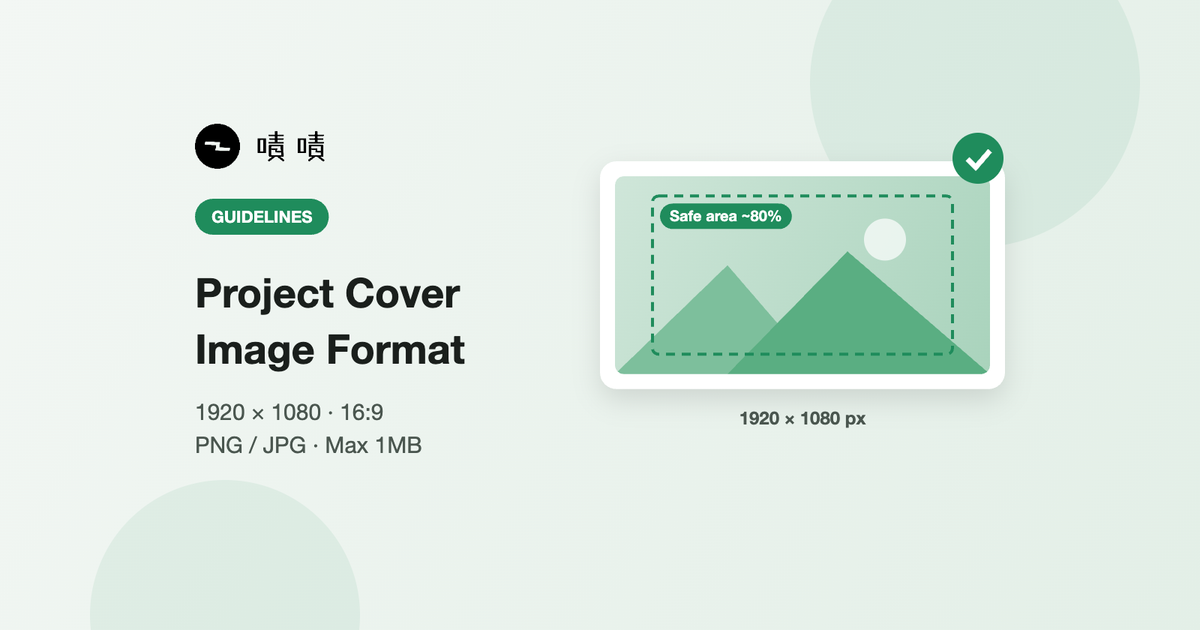
Image Specifications
- File type: PNG or JPG
- Image aspect ratio: 16:9
The Following Are Not Allowed
- Non-static images, such as animated images or GIF files
Image Resolution
- File dimensions: 1920 x 1080 (16:9)
- File size: 1MB maximum
- Recommended safe area: place the most important content in the center of the image, taking up about 80% of the frame.
Prohibited Items
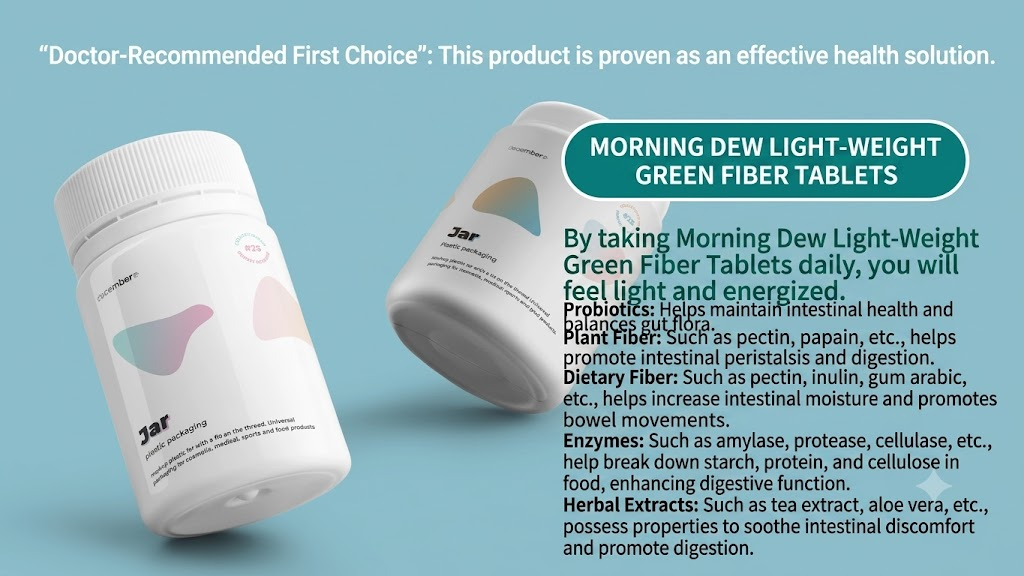
Avoid exaggerated or sensational claims
- Promotional wording should be based on objective, verifiable facts
- Claims that are exaggerated, misleading, or in violation of Taiwan regulations are prohibited
✅ Allowed
🚫 Prohibited
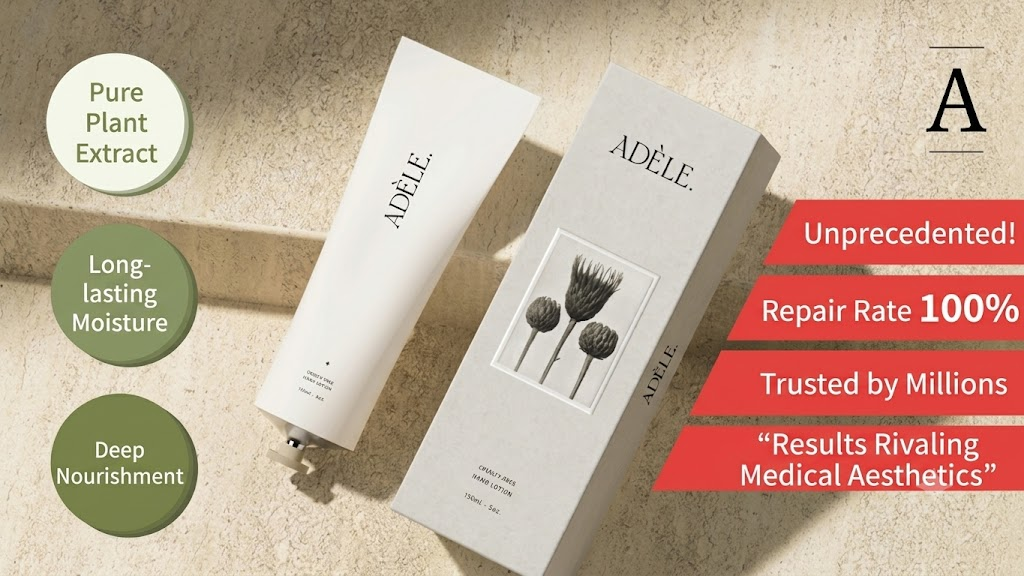
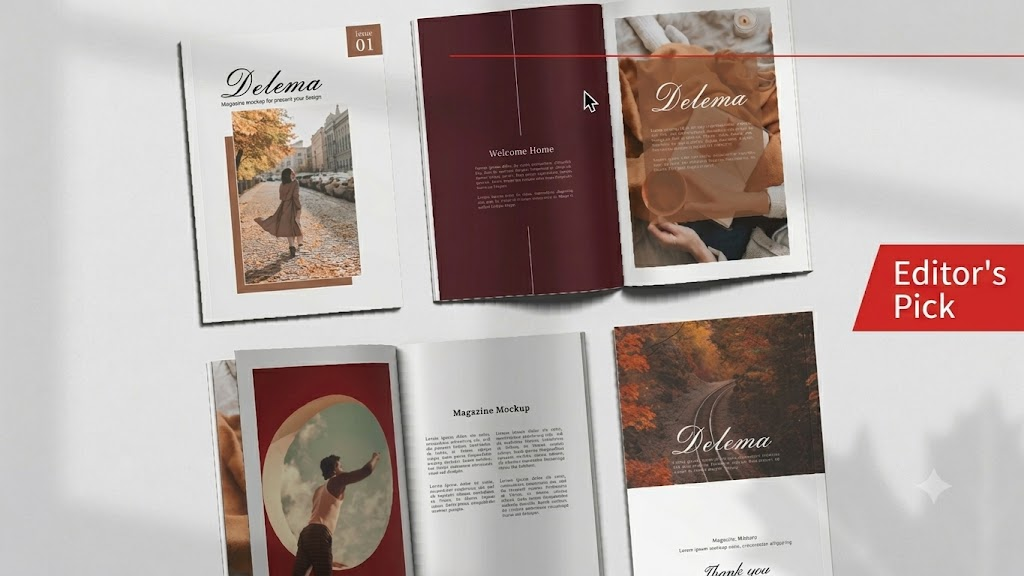
Do not claim platform endorsement
- Do not claim endorsement by the platform without explicit permission
✅ Allowed
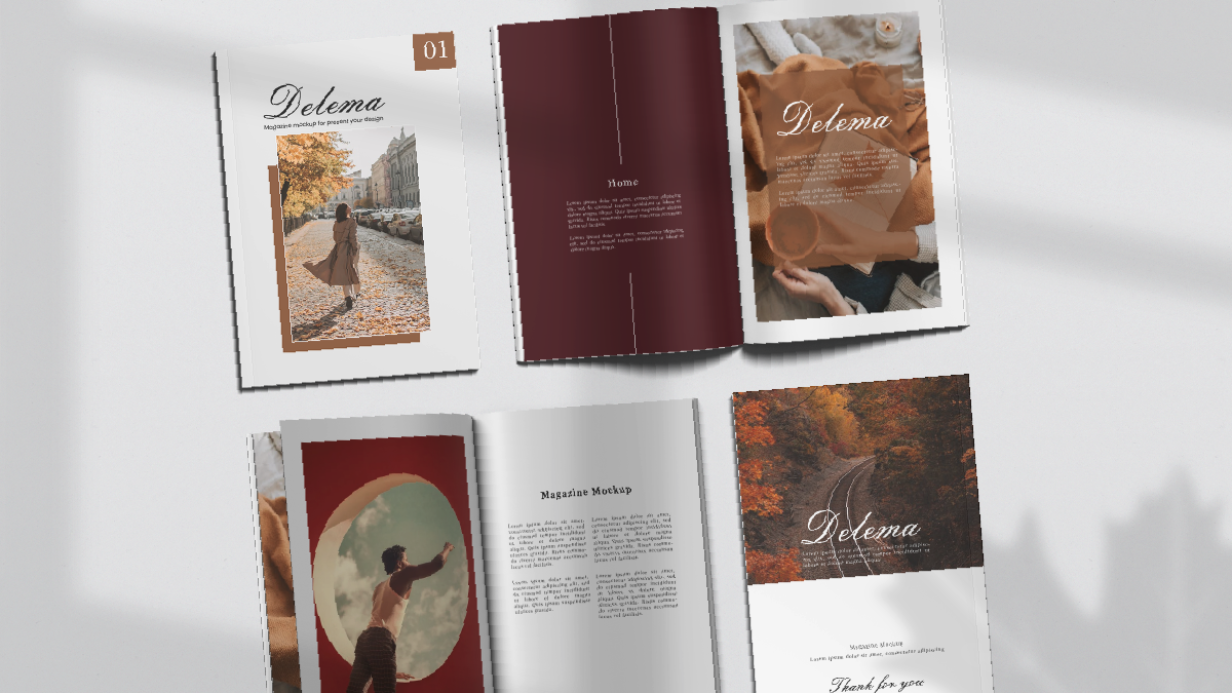
🚫 Prohibited
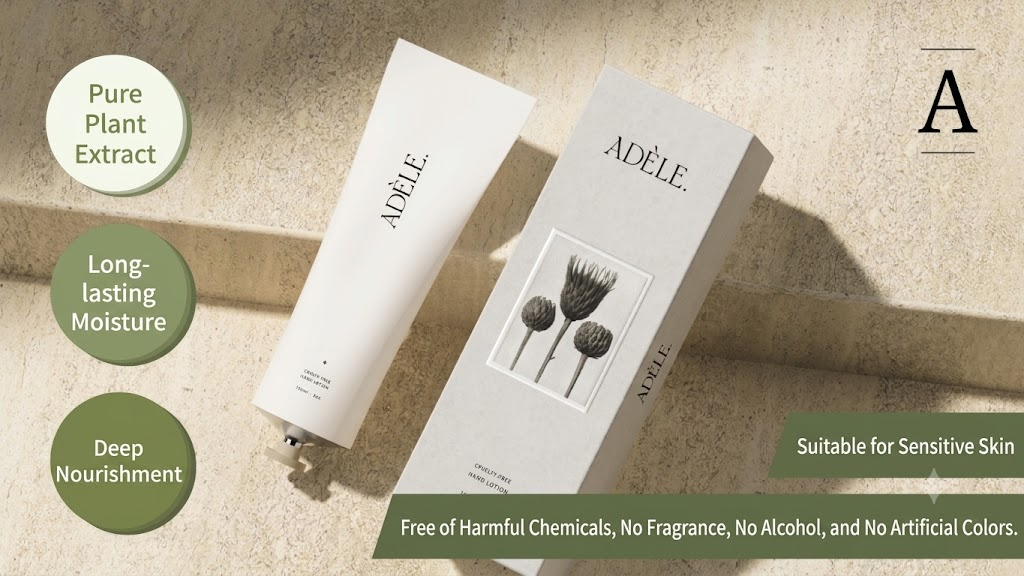
Text must not exceed half of the frame
- The cover image should focus on presenting the product in full
- Avoid heavy promotional copy that gets in the way of the product, and keep readability on mobile devices in mind
✅ Allowed
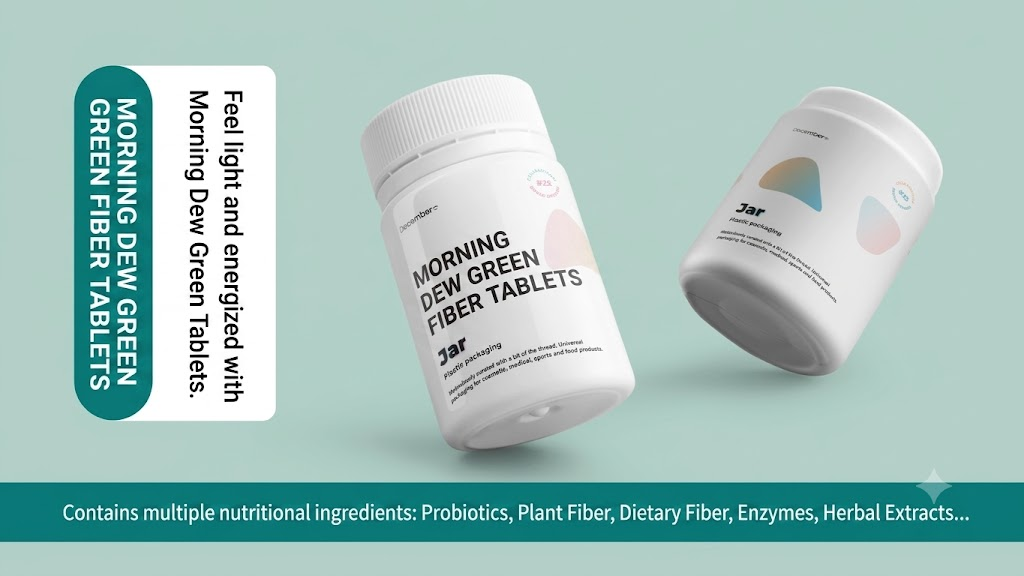
🚫 Prohibited
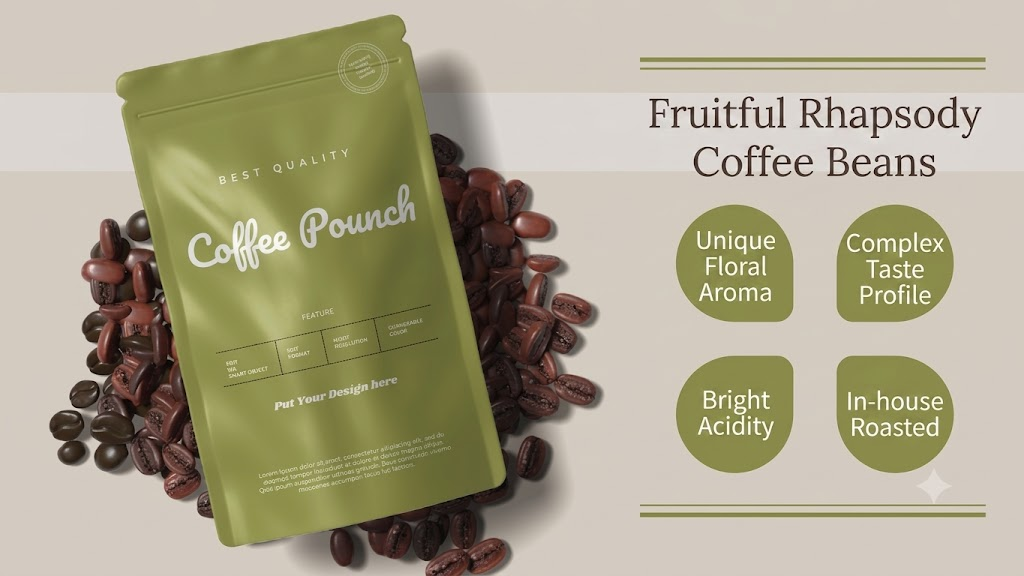
Avoid showing the product incompletely
- The cover image should present the product in full
✅ Allowed
🚫 Prohibited
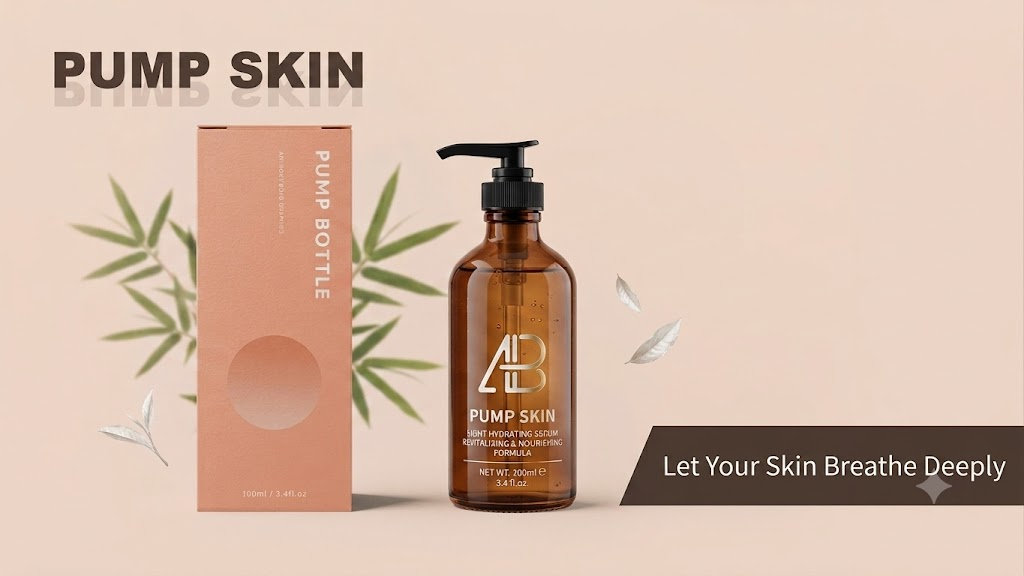
Do not add rounded corners to the image
- The site automatically applies rounded corners to the cover image, so do not add rounded corners when producing the image
✅ Allowed
🚫 Prohibited
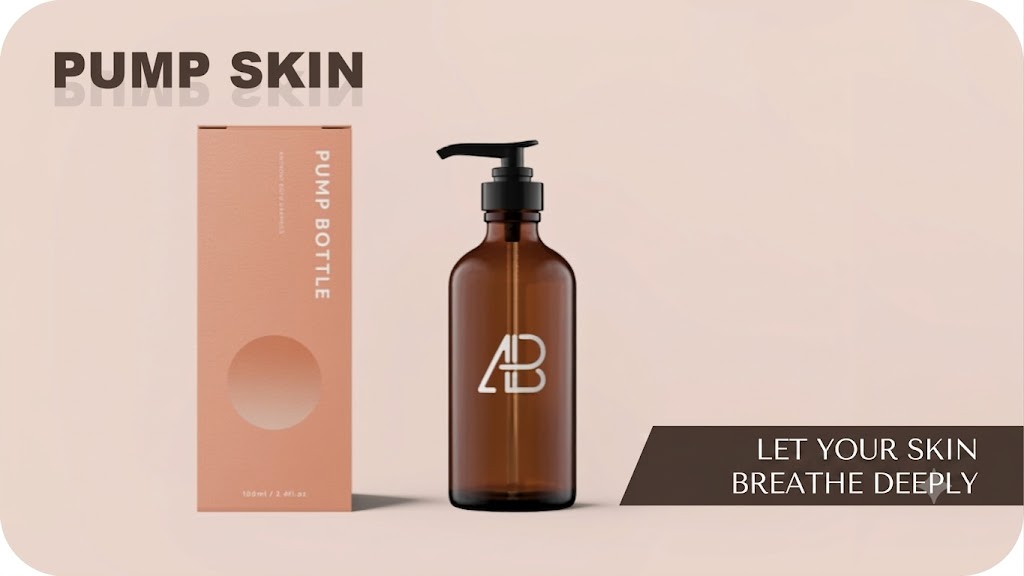
Not Recommended
Avoid blurry images or insufficient resolution
- The cover image should present the product in full, and make sure the resolution is sufficient
- A cover image that fails to fully present and represent the product will not be eligible for the homepage feature section or other on-site promotional placements
✅ Allowed
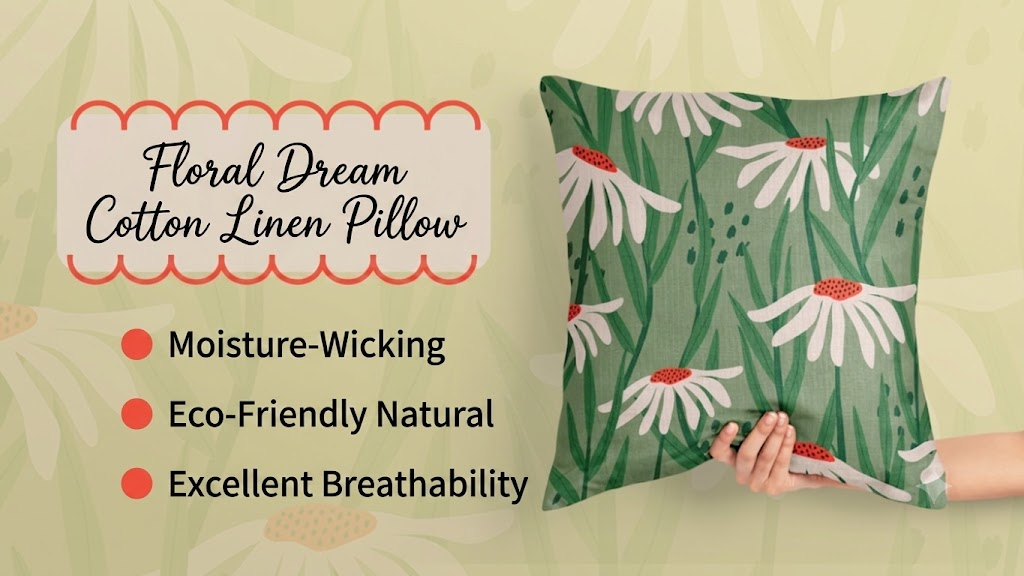
🚫 Not recommended
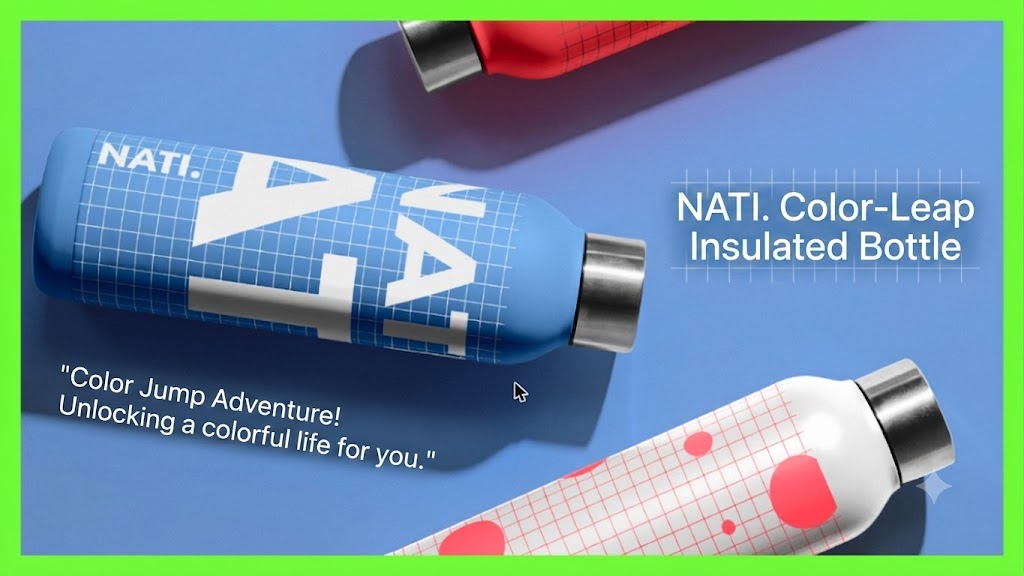
Do not create your own borders
- Adding border elements to the cover image to make the project stand out is not recommended; clear violations will not be eligible for the homepage feature section or other on-site promotional placements
✅ Allowed
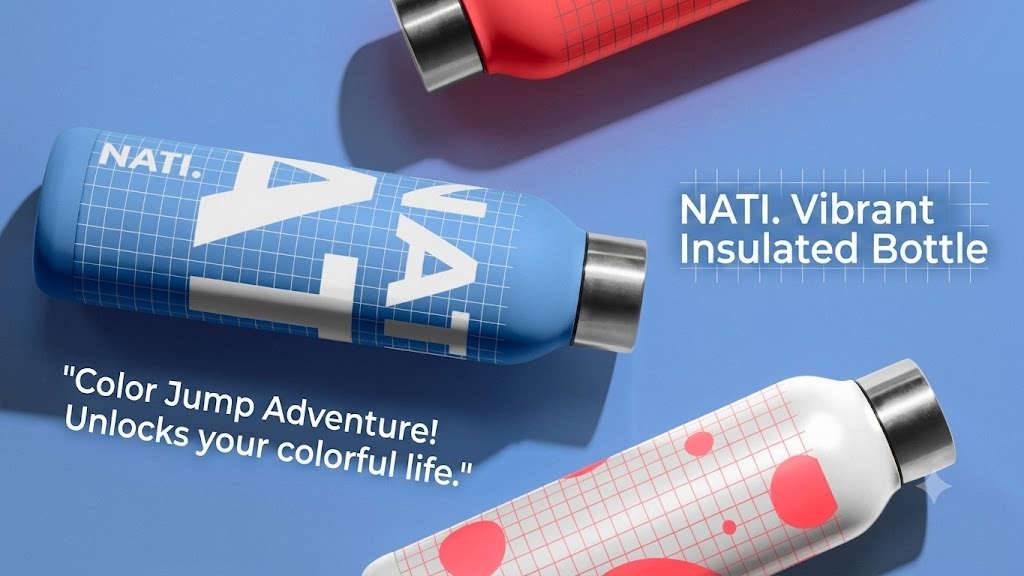
🚫 Not recommended
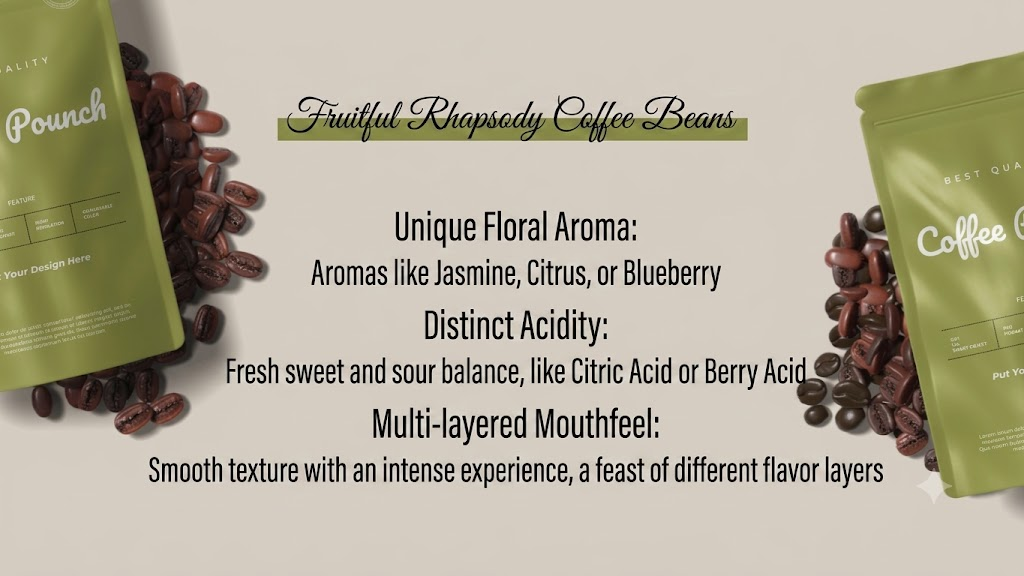
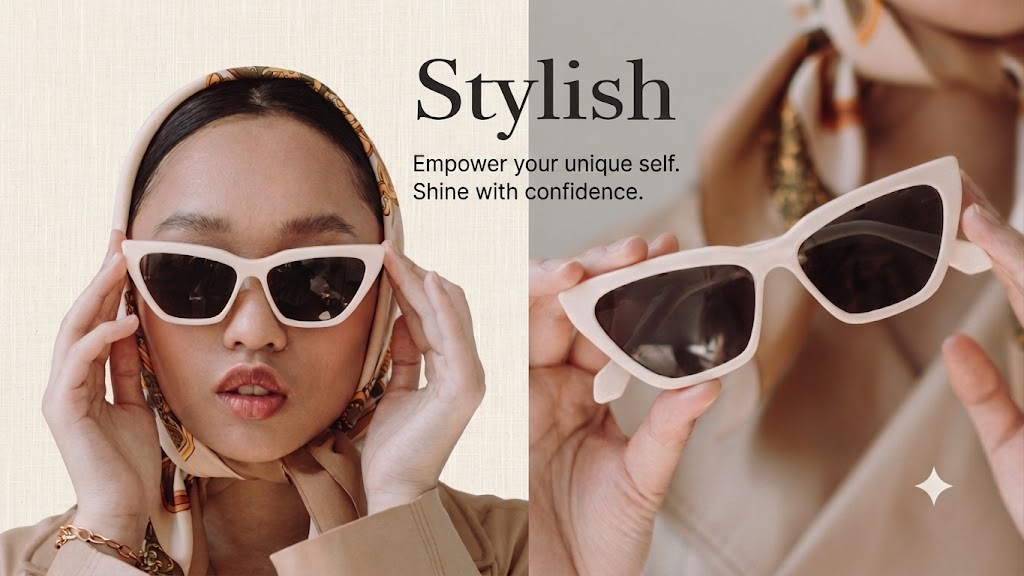
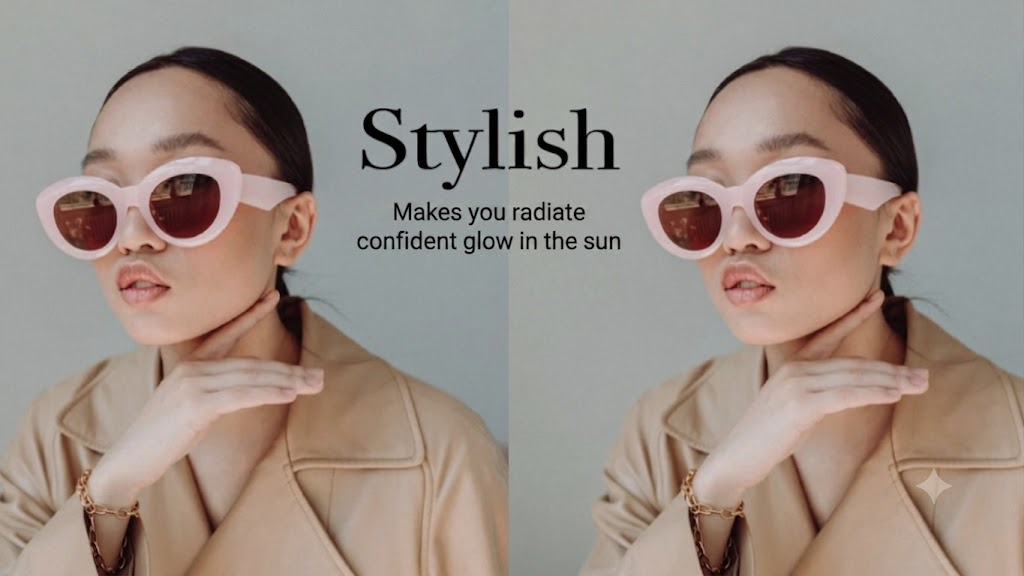
Avoid showing the product and text repeatedly
- Showing multiple identical or very similar images (with only minor differences) in the same visual is discouraged
- If space allows, present different aspects of the product to backers
✅ Allowed
🚫 Not recommended
Recommended
Keep the image readable on mobile devices
- If you add product features or promotional wording to the image, keep the text short and make sure the product photo and copy remain readable on mobile devices.
Work from the original file if the image needs repeated edits
- JPEG is a lossy photo compression format; every edit, save, and export degrades the photo to some degree.
- If you need to revise the promotional slogan or the product cover image repeatedly, start from the original file each time to avoid repeated compression and loss of resolution.